
We’ll be very sad to see you go but you’re able to cancel your uConnected service at any time. There are no contracts or exit fees and your uConnected number is all yours – you can take it with you to another provider. If you haven’t ported the number away three weeks after cancellation, we’ll start the process of returning it to our pool of numbers available for other members. Check out our Terms of Use page for the full details.
Personal Platform
To close your account and cancel your service:
- Log into the Dashboard
- Click on Details within the menu on the left
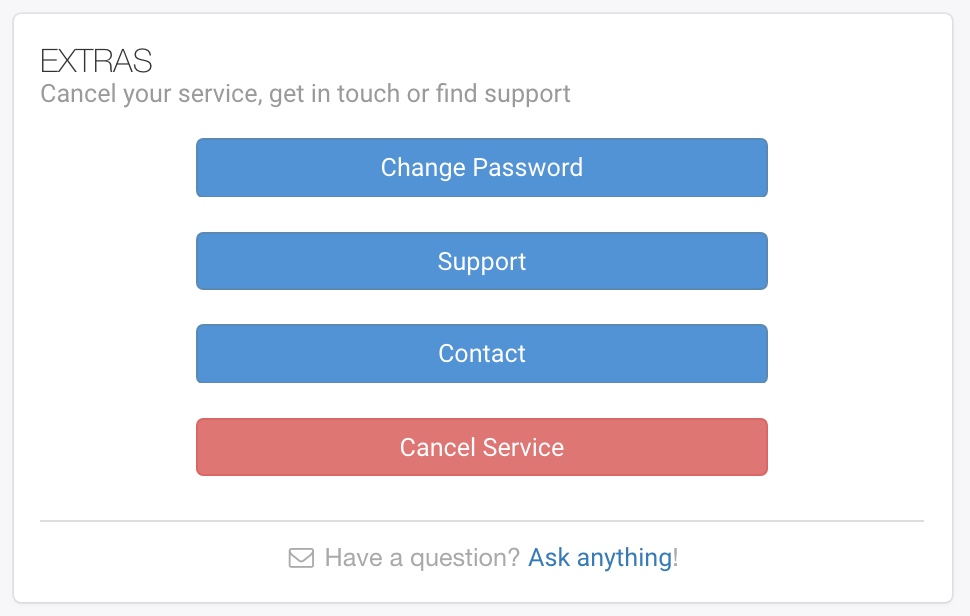
- Click the red Cancel Service button in the lower right corner.
You’ll be required to provide your account password in order to cancel your service. Please remember to port your number to another provider before cancelling the service.
Business Platform
- Log into your uConnected Dashboard
- Click Users & Settings in the left sidebar
- Click Cancel Services in the bottom right corner