
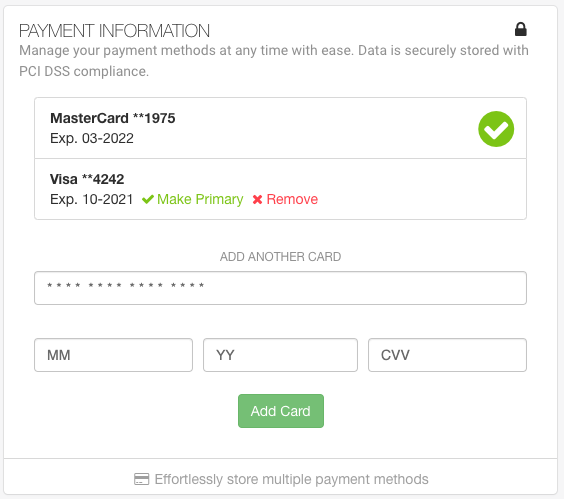
The ability to add and manage payment methods is available in your service’s Dashboard. You can add one or more Visa or MasterCard cards at any time, as well as use PayPal, Apple Pay and Google Pay across all platforms. That same page provides a detailed history of all invoices issued and includes the option to change plans. There are no surcharges on any of these payment methods, and multiple cards can be stored. When you add a new card, it will become your primary card for future payments, however you can change your primary card at any time. PayPal, Apple Pay and Google Pay are available for all members. American Express cards are not supported.
Personal Platform
- Log into the Dashboard
- Click Plan & Payment within the left menu
- Update Card Details from within the Payment Information section
Business Platform
- Log into your uConnected Dashboard
- Click Billing in the left sidebar
- Click Add New Card in the Payment Methods section